Solastelia · Native Mac terminal · Public Mac preview
Sora
A terminal that keeps the next step close.
Try the Mac preview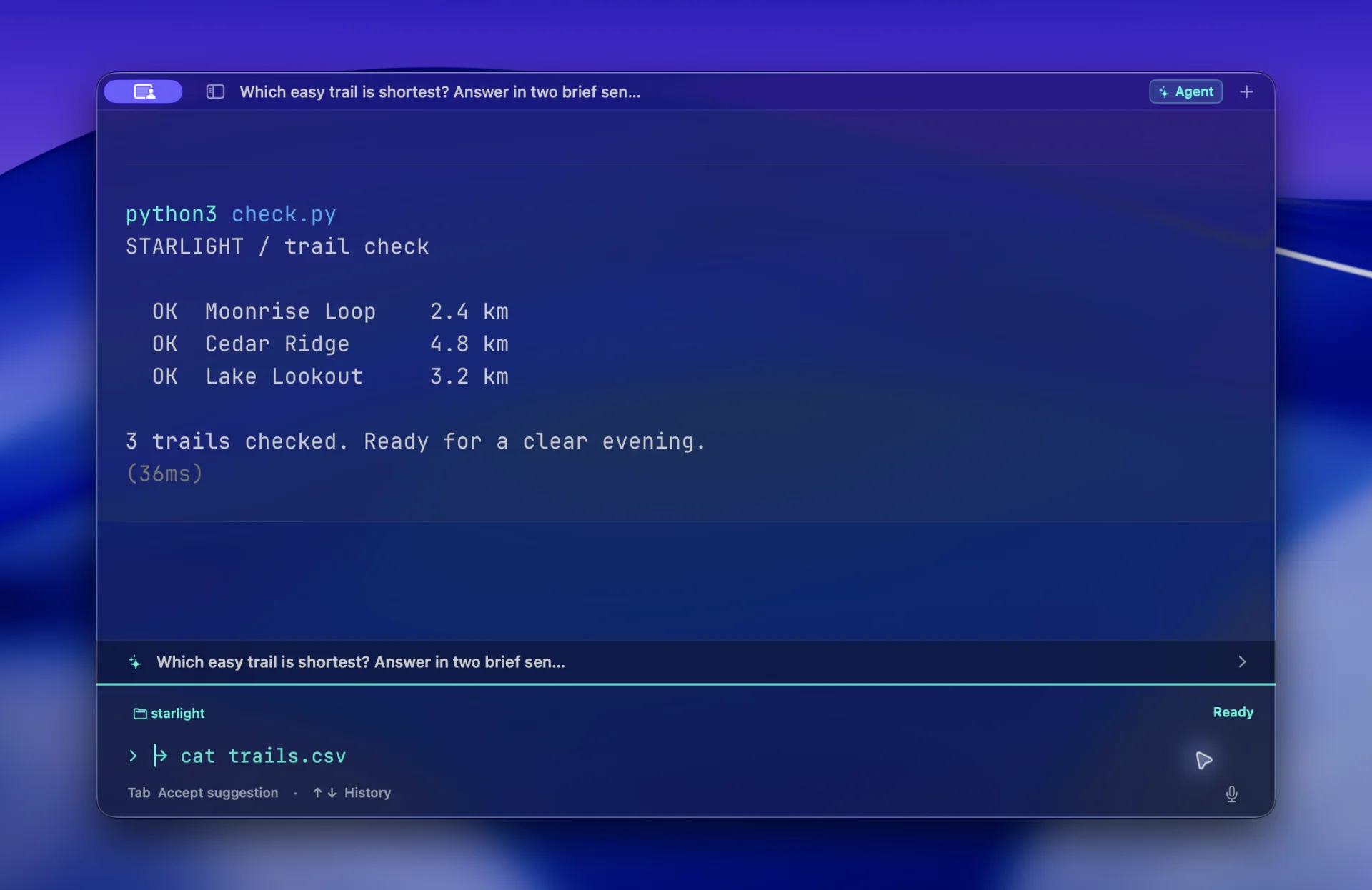
Overview
Sora is a native Mac terminal with optional AI assistance. Ask about your output, then return to the same prompt without losing your place.
RolePersonal project — product direction and hands-on iteration, built with Codex. Terminal engine by Ghostty.
Background
An early frustration was concrete: asking for help opened another window. I wanted to type a question where I was already working, without breaking the terminal flow. Warp was a reference for that interaction, but Sora’s scope was a personal, native Mac workspace: keep the shell useful on its own, make past output easier to revisit, and add assistance when wanted. Building on Ghostty’s terminal engine let me explore the interactions around command-line work. The first useful change was moving Ask into the current tab, where returning to the shell could be a single action.
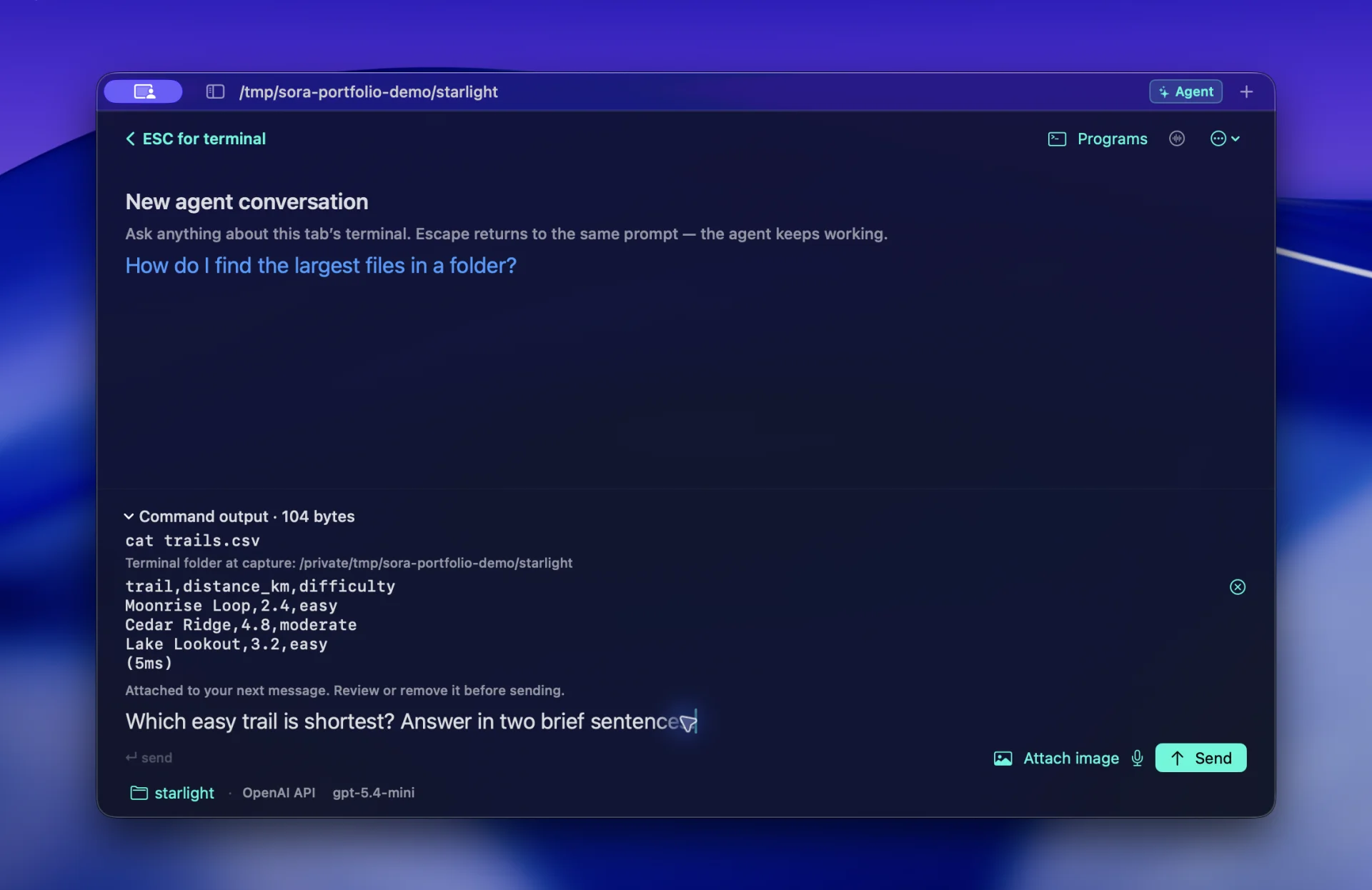
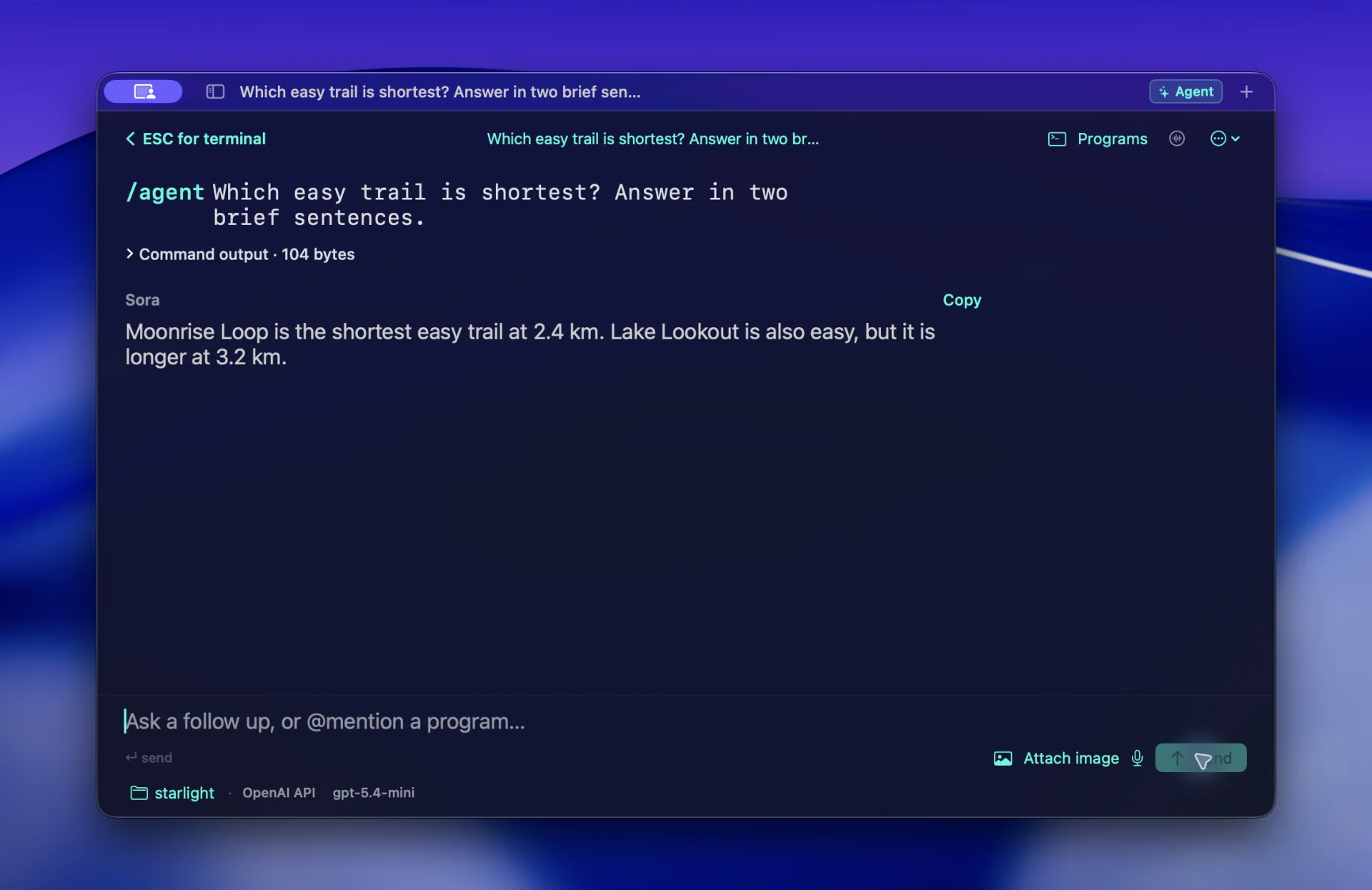
Early Sora moved questions into a separate window. The revised interaction keeps the shell and optional Agent in one tab, with Escape returning to shell work.
Process
With Codex, I worked through the difference between an answer and a finished task. Giving advice, or completing a model response, did not mean the requested work was done. I added a loop that checks results before accepting completion. A small controlled pilot improved verified completion on its three fixtures, while using more model requests; it did not establish general reliability. Appearance needed another revision: translucent window chrome could not fix opaque terminal fills. Restoring the glass meant changing the terminal rendering layers as well as the native interface.
For execution tasks, permission and limits are checked before acting. Results are reviewed against the requested outcome. Unmet outcomes lead to another approach; blocked work pauses with a reason. Explanatory questions may answer directly, and completion review can still be wrong.
Final solution
Sora runs familiar shell tools, organizes past output into command blocks, and offers local suggestions with AI turned off. When I want help, I can select output, review the context, and ask Agent inside the same tab. Escape returns to the terminal; the conversation stays within reach. The public Apple Silicon preview includes local workspaces and optional AI providers, with signed in-app updates. It remains an experiment in progress: installation is not Apple-notarized, provider requests leave the Mac, and Agent’s completion checks cannot guarantee that arbitrary work is correct.
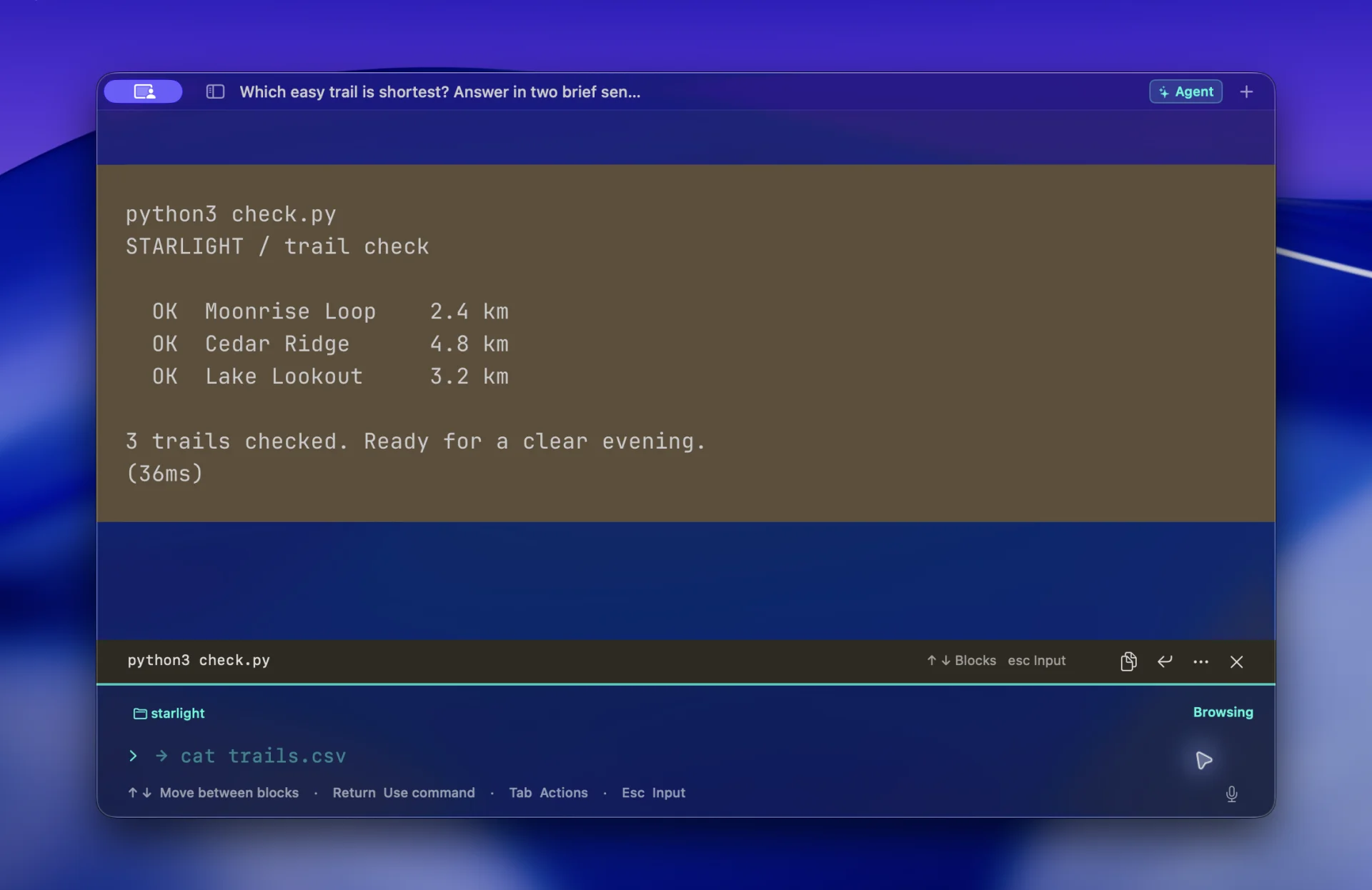
Select past output to recall a command or review context before asking Agent. Escape returns to the live terminal; Command-Y reopens the existing conversation. Recall does not execute. Secondary return shortcuts are omitted for clarity.
Media and prototypes
04 items